
cmux is my daily driver for running coding agents
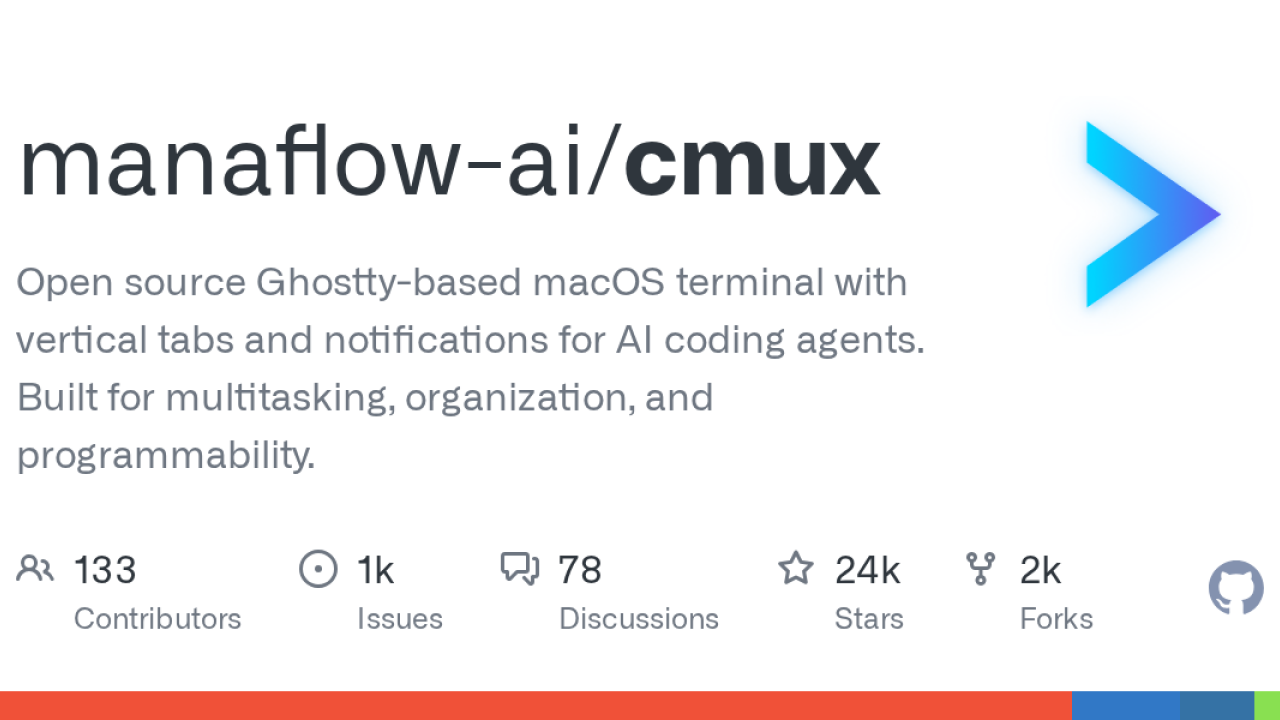
I spend most of my working day inside a terminal wrangling Claude Code across a couple of Drupal repos, and for the last stretch of it that terminal has been cmux. It is the first tool in a while that changed how I actually work rather than just adding another config file to my dotfiles, and I have become the annoying person who recommends it in every Slack thread.
So here is my honest daily-driver take: what it is, how it slots into my flow, and where it still bites.
What cmux actually is
cmux (from manaflow-ai) is an open-source, native macOS terminal built on Ghostty. It is written in Swift and AppKit and renders through libghostty, so it is genuinely native rather than an Electron wrapper. The pitch is a terminal designed around running AI coding agents: vertical tabs in a sidebar, split panes, notifications, and a scriptable in-app browser, all with no prefix keys or tmux muscle memory required.
Crucially it is just a terminal, so anything you can launch from a shell works: Claude Code, Codex, Gemini CLI, Aider, Goose, Amp, Cline, Cursor Agent, and the rest. Nothing is locked to one vendor, which is a big part of why I trust it.
How it fits my workflow
My day is usually two or three agents going at once: one refactoring a custom module, one writing tests, one I am babysitting more closely. cmux makes that legible instead of chaotic.
- Each workspace tab in the sidebar shows its git branch, linked PR status, working directory, and listening ports at a glance.
- When an agent finishes or needs input, its pane gets a notification ring and the tab lights up, so I stop context-switching just to check who is waiting. These fire off standard terminal escape sequences (OSC 9/99/777) plus agent hooks.
- Claude Code teammates spawn as visible native splits instead of hidden background processes, so I can actually see what the sub-agents are doing.
- Session restore brings back my workspaces, working directories, and scrollback after a reboot, which for someone who never wants to lose context is quietly huge.
For the first time I can run three agents in parallel and always know which one is waiting on me, without alt-tabbing through a graveyard of terminal windows.
It reads your existing Ghostty config for themes and fonts too, so my colours came across for free.
Getting it running
Install is painless on macOS. I went through Homebrew:
brew tap manaflow-ai/cmux
brew install --cask cmux

# wire up agent notifications/hooks
cmux hooks setup

# open a remote workspace over SSH
cmux ssh user@remote

# fire a notification from inside a script
cmux notify
You can also grab the DMG from GitHub releases; it auto-updates via Sparkle. The cmux hooks setup step is the one worth doing early, because that is what makes the notification rings actually meaningful.
The browser pane surprised me
The feature I did not expect to love is the built-in scriptable browser (a port of agent-browser). I can split a browser pane next to a terminal, point an agent at my local dev site, and it can snapshot the accessibility tree, click, fill forms, and evaluate JS. For checking that a Drupal form or view actually renders after an agent's change, that loop is tighter than anything I had before.
There is a short official walkthrough that shows the multitasking flow better than I can describe it:
The honest caveats
Nothing is perfect, and I would be lying if I pretended otherwise.
- macOS only. The official app is Mac-native. There are community Linux and Windows ports (a GTK4/Rust rebuild and an Electron-based one called wmux), but those are third-party, not first-party.
- It is young and moves fast. Still on 0.x releases with nightly builds and a sizeable open-issue count. It appears very actively developed, which cuts both ways.
- Licensing. It is GPL-3.0, free and open source, with a separate commercial license and a paid Founders Edition for extras like an iOS app and cloud VMs. Worth knowing if GPL matters for your context.
- Ghostty-adjacent. Deeper config leans on knowing Ghostty conventions, so the more you customise the more of that world you inherit.
None of that has pushed me off it. For a single full-stack dev juggling multiple agents on real repos, cmux is the rare tool that earned its place by making a genuinely messy workflow calm. It appears to have struck a nerve too, sitting north of 24k stars at the time I write this.