
Self-hosted PaaS showdown: how I picked Coolify for this blog
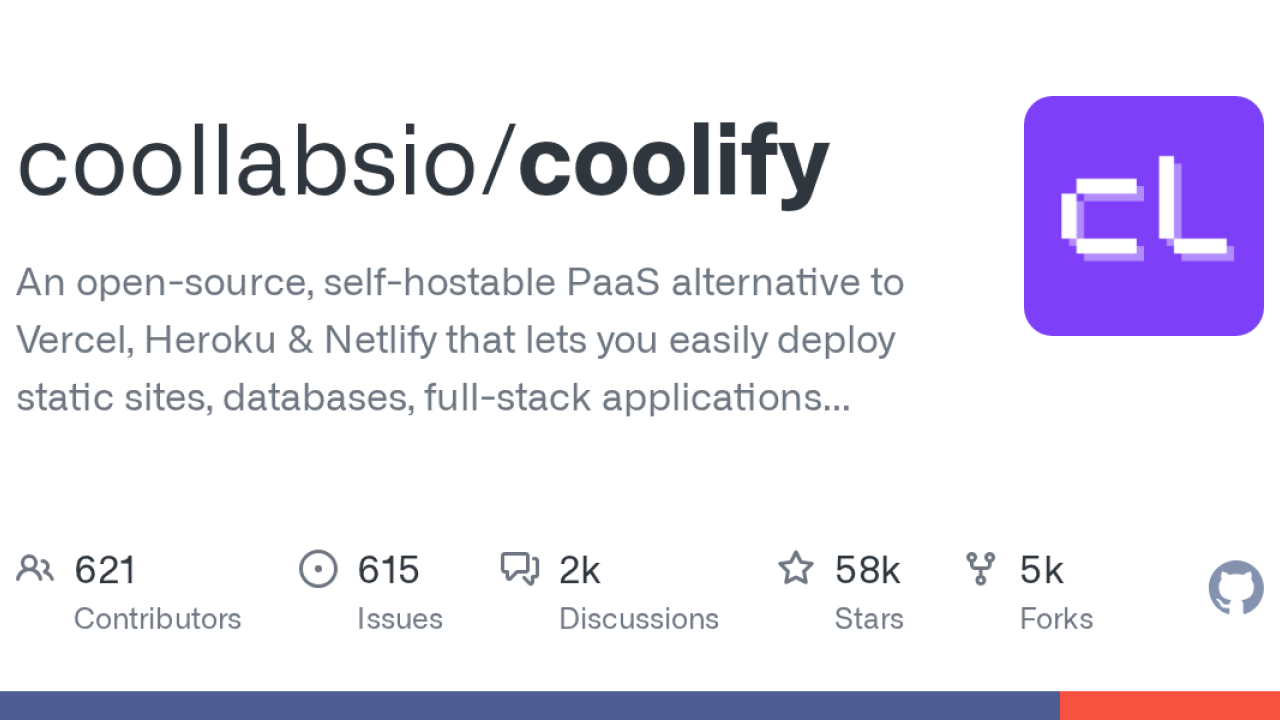
This blog you're reading runs on a single OVH VPS, deployed straight from GitHub by a self-hosted Coolify instance. Every push to main triggers a build, a container swap, and a fresh Let's Encrypt cert if it needs one. No Vercel bill, no Heroku dyno, just my own box doing the boring work. Getting here meant choosing between two open-source tools that promise the same dream, so here's the honest version of how that went.
What these things actually are
Both Coolify and Dokploy are open-source, self-hostable PaaS layers, a Heroku-or-Vercel experience you run on your own server. You point them at a VPS, connect a Git repo, and they handle the Docker build, reverse proxy, TLS, databases and backups. You bring the hardware; they bring the deploy button.
Coolify (Apache-2.0, ~58k GitHub stars as of mid-2026) is built in PHP/Laravel and orchestrates plain Docker plus Docker Compose. It leans on breadth: 280+ one-click services, GitHub/GitLab/Bitbucket/Gitea integration, S3 backups, PR preview deploys, a browser terminal, teams and an API.
Dokploy (~36k stars) is TypeScript end to end and takes a different architectural bet: Docker Swarm with Traefik as the router. That gives it native multi-node clustering out of the box, plus Nixpacks/Buildpacks/Dockerfile builds and templates for Supabase, Cal.com and friends. One caveat worth flagging: its repo ships a dual license (open source plus a proprietary file), whereas Coolify is cleanly Apache-2.0.
The two-minute install
To their credit, both projects genuinely are a single curl away. These are the real one-liners from their docs (run them on a fresh Ubuntu box, ideally not as a party trick you paste without reading):
# Coolify
curl -fsSL https://cdn.coollabs.io/coolify/install.sh | sudo bash

# Dokploy
curl -sSL https://dokploy.com/install.sh | sh
In both cases you then open a web UI, create an admin account, and you're deploying within the hour. If you'd rather watch someone do it first, Christian Lempa's overview is a solid, non-hypey walkthrough:
How they differ under the hood
The marketing pages sound identical. The trade-offs are where it gets real:
- Resource footprint: Dokploy idles leaner (~350MB RAM); Coolify's overhead runs higher (~500MB–1.2GB, and CPU spikes when its metrics collector runs). On a tiny VPS that gap matters.
- Scaling: Dokploy's Swarm model is built for spreading across multiple nodes; Coolify is happiest managing one or several servers as discrete targets.
- Breadth vs focus: Coolify wins on the service marketplace, feature depth and license clarity. Dokploy wins on a tidy Docker-native workflow and clustering.
- Community gravity: Coolify's larger star count and contributor base means more blog posts, more Discord answers, more "someone hit this before me."
If you're starting fresh on a small VPS, Dokploy is the lighter bet. If you want the marketplace, the bigger community and a permissive license, Coolify earns its extra RAM.
Why I landed on Coolify
Honestly? Community and comfort. As a PHP developer by day, a Laravel-based tool felt legible when I needed to peek under the hood. The 280+ service catalog meant I could bolt on a database or an analytics container without writing Compose files by hand. And I run a handful of small apps, not a fleet, so Swarm clustering was a feature I'd admire and never use.
There's also a paid escape hatch if you tire of babysitting: Coolify Cloud runs the control plane for you (around $5/month for up to two servers, +$3/server after, at the time of writing) while your apps still live on your VPS. Dokploy's managed tier is comparable (a Hobby plan around $4.50/month per server). Both let you self-host for free forever, which is the whole point.
The caveats nobody puts on the landing page
Self-hosting means you own the sharp edges too:
- Docker bypasses ufw. This bit me. Docker writes its own iptables chains that run before ufw, so a port you "closed" can still be wide open to the internet. It's documented Docker behaviour, not a bug, but it's a nasty surprise. Use your cloud provider's firewall, bind services to localhost, or reach for
ufw-docker. - Auto-updates can be rough. Coolify ships fast, and occasionally an update has left me reading the Discord to confirm I wasn't the only one. Pin versions and take backups before updating anything you care about.
- More surface, more risk. Coolify's richer feature set is also a larger attack surface; a few CVEs have touched core areas over time. Keep it patched and locked down.
None of that has driven me back to a managed platform. The deal, own your infra, pay for one VPS, push to deploy, still holds. Just go in knowing the box is now genuinely yours, warts and firewall quirks included.